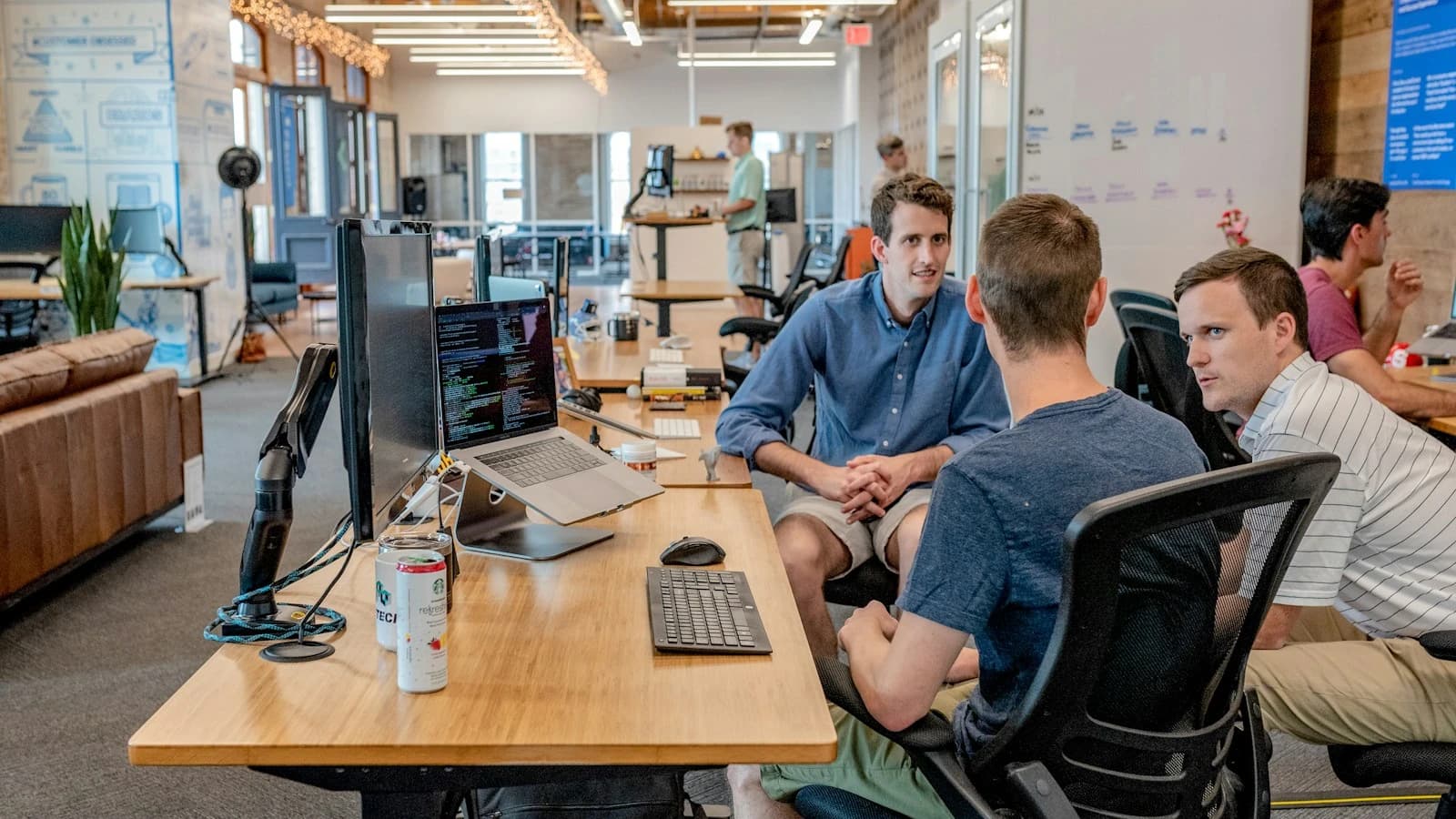
Restaurants: a website, table reservations and online orders your team can manage
See what we can build for a restaurant: multilingual menus, controlled reservations, takeaway ordering and an operational dashboard.
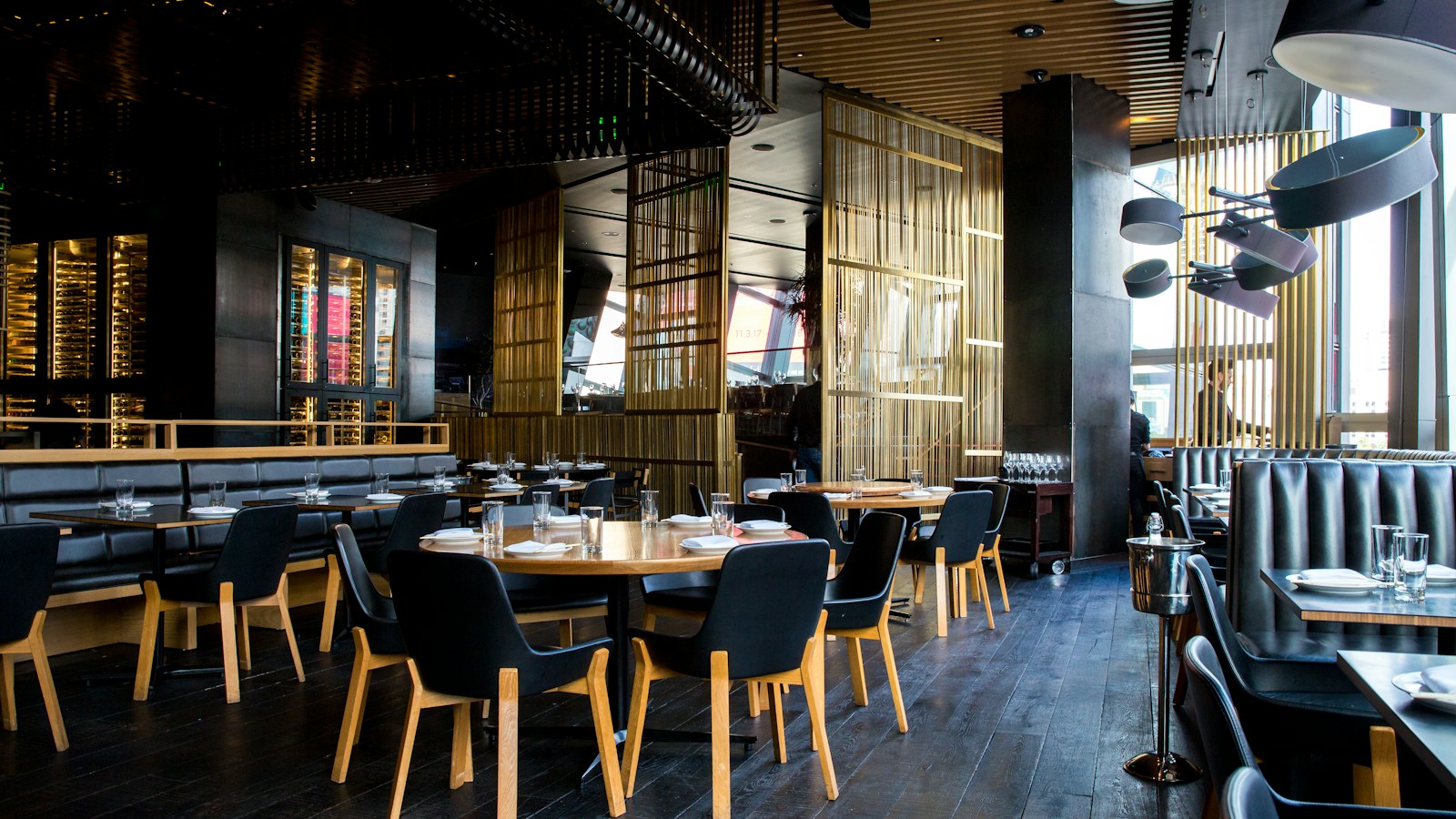
A warmly lit restaurant dining room illustrating hospitality and table service.
Choose the service journey to improve first
A restaurant may need more table reservations, simpler takeaway ordering or a reliable menu website. These goals overlap, but they create different operational demands. Begin by observing how staff accept requests during a busy service. Identify who confirms a table, pauses orders and updates unavailable dishes. We define a first release around the task your team can operate consistently. A digital channel should reduce interruptions and mistakes rather than create a second queue that nobody has time to monitor.
Publish a menu that remains accurate
A menu website should separate dishes, prices, availability and relevant product information into manageable fields. Let authorized staff update a sold-out item without contacting a developer. Avoid putting the entire menu inside an image that is hard to read on mobile. Translations should be reviewed for food descriptions and any safety-sensitive statements. If allergen information is presented, establish who verifies it and keeps it current. The application can publish approved facts, but it cannot infer ingredients or preparation risks reliably from a dish name.
Make local information easy to find
Show the restaurant's real location, opening hours, contact details and practical access information. Differentiate regular hours from exceptional closures. Search metadata and structured business information must agree with what visitors can read on the page. We can create useful multilingual pages without inventing neighborhoods or services merely to attract search traffic. A direct reservation or ordering action should be visible on a phone. Search rankings are not guaranteed; clear, maintained information is the foundation customers and search systems can actually use.
Model table reservations with capacity rules
Reservation capacity depends on party size, service periods and table combinations. A simple count of empty tables may not represent what the dining room can accommodate. Decide which bookings can be confirmed automatically and which need staff review. Hold provisional slots only for a defined period. Account for cancellations and late arrivals according to your agreed process. We can begin with a request-and-confirm workflow so the website provides a useful service before the restaurant is ready for fully automatic allocation.
Build ordering around kitchen constraints
Online ordering should use available dishes, permitted pickup windows and a manageable number of orders per period. Explain preparation timing as an estimate or confirmed slot according to the business rule. Staff need a prominent way to pause ordering or mark an ingredient-dependent item unavailable. The customer's accepted order should preserve selected options and prices. Avoid allowing a text instruction to override structured choices that the kitchen cannot support. Test the experience during a realistic peak period instead of only with one demonstration order.
Connect payments without confusing acceptance
An order can be received, paid and accepted by the restaurant at different times. Define their relationship before integrating a provider. If the kitchen must approve an order, decide whether payment is collected before or after acceptance and how declined requests are handled. Verified provider events should update payment status safely, including duplicate notifications. Staff should not need to infer the outcome from a customer's screenshot. Where cash payment remains available, display the correct outstanding amount and distinguish it from a failed online payment.
Give staff a practical service dashboard
We can build a dashboard organized around immediate actions: new requests, accepted orders, upcoming pickups and reservations needing confirmation. Use readable labels and clear sound or visual behavior where appropriate. Avoid a screen full of metrics when the main need is to acknowledge the next order. Define which device and person owns each queue. If connectivity fails, staff need a known fallback and customers need accurate information. An unnoticed order is a process problem even if every server request technically completed successfully.
Respect customer preferences in follow-up
A customer database may support reservation history and service requests, but repeat visits do not automatically justify unlimited marketing. Store communication preferences where relevant and separate operational messages from promotional campaigns. Restrict access to customer notes and avoid unnecessary personal observations. AI can help draft a menu introduction or answer questions from approved content, but it should not invent dietary assurances or confirm an unavailable table. Keep a straightforward route to staff when the question requires judgment or current kitchen knowledge.
Example: a sold-out dish during the dinner rush
The kitchen marks a main dish unavailable while several shoppers have it in their carts. New visitors immediately see the updated menu. Before an existing cart becomes an accepted order, the server checks availability and explains the change. The customer can choose an alternative without reentering every detail. Already accepted orders remain visible to staff for a deliberate decision. This scenario tests the relationship between menu editing, checkout and service operations, which matters more than an elaborate animation on the landing page.
Integrate the point of sale where it helps
An existing point-of-sale system may already own the menu, stock or transaction records. We assess its supported API, data model and commercial constraints before proposing integration. Decide whether the website sends orders, receives menu updates or simply supports reservation requests. Avoid uncontrolled two-way edits. Failed transmissions must be visible and safe to retry. If no reliable integration exists, a small staff dashboard with clear ownership may be a better first release than an automation that quietly drops orders during service.
Workshop: rehearse a busy service
Choose a typical dinner period and simulate new reservations, takeaway orders, a cancellation and an unavailable dish. Assign real staff roles and test the screens on the devices they will use. Include a disconnected tablet and a delayed payment notification. Define acceptable response times and the fallback procedure. We use these scenarios to prioritize the minimum useful release and training needs. Measure missed requests, correction time and completed orders rather than judging the system only by the number of online visitors.
Frequently asked questions
Can we start with a website and add ordering later? Yes, a maintained menu and reservation flow can be the first step. Can you connect our existing point of sale? That depends on its supported interfaces and access conditions. Can AI answer allergen questions? Only verified information should be shown, with a staff escalation path. What can Tuplify Studio deliver? A restaurant website, menu back office, reservations and ordering workflows designed around the capacity and working habits of your restaurant team.
What we can build for you
Tuplify Studio can develop restaurant websites, reservation workflows, takeaway ordering and customer follow-up, with integrations adapted to your point-of-sale environment.
Let’s discuss your projectGo further · official documentation
Google Search Central — Local business structured dataTuplify Studio · Educational guides created with AI assistance. Examples are illustrative.