Logs, metrics and traces: why is your application slow?
Three complementary signals help move from noticing a problem to understanding where it happens.
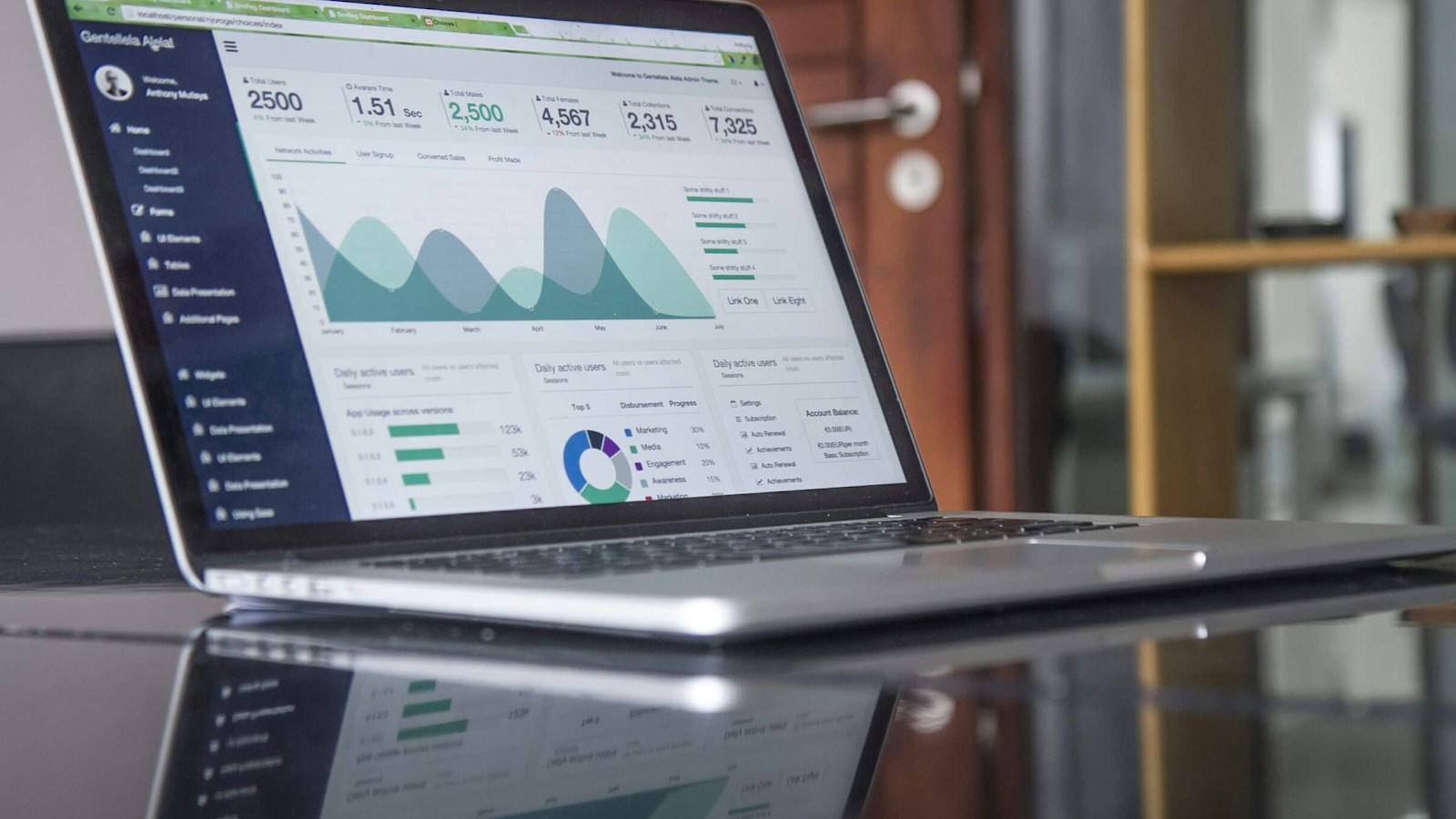
Analytics on a screen illustrating application monitoring and performance.
Moving from observation to diagnosis
Monitoring may indicate that a service is responding poorly. Observability helps to understand what is happening based on signals emitted by the system. For a slow application, knowing that the processor is rising is not always enough: the cause could be a basic request, a remote service or a lock. Symptoms must be linked to operations and their context. This capacity prepares before incidents by instrumenting important routes. Adding logs randomly during an outage can help occasionally, but does not replace a consistent collection strategy.
Metrics summarize behavior over time
The metrics describe the number of requests, errors, durations and resource consumption. They are useful for spotting developments and triggering an alert. Choose dimensions that allow analysis without creating an uncontrolled number of series. Putting each customer ID in a label can make collection costly and difficult to operate. Distinguish a cumulative meter from an instantaneous measurement and document the units. A duration expressed in seconds interpreted as milliseconds can produce absurd conclusions despite a visually convincing dashboard.
Read latencies without being fooled by averages
A low average can mask a minority of very slow queries. Percentiles help understand what different proportions of users experience, but should be interpreted with volume and measurement window. Compare equivalent paths: a long export does not have the same objective as opening a file. Look at the distribution of durations, errors and dependencies. Define service expectations based on actual usage. Optimization that improves the best case but makes already slow queries worse can degrade the experience despite a more favorable average.
Structured logs tell the story of events
A structured log contains usable fields, such as query identifier, operation, result and error type. It should help to reconstruct what happened without having to read thousands of different sentences. Use consistent levels and avoid logging every detail at the highest level. Complete customer passwords, tokens, and content should not be copied by default. Set access and retention. Logs are operational data that can become sensitive; their usefulness does not exempt them from limiting their content and distribution.
Traces connect the steps of the same query
A trace follows a path through several operations. Each span represents a measured part, such as an API call or a basic request. Span relationships show nested sequences and calls. Context propagation allows you to connect the steps when the request crosses several services. Without this continuity, we obtain fragments that are difficult to reconcile. Traces are particularly useful when the application is expecting an external dependency. They do not automatically prove a business cause, but allow you to locate where time is being consumed and what errors have been observed.
Example: a payment that becomes slow
The dashboard reports an increase in order validation time. The metrics show that only certain queries are affected. A trace reveals that the call to the payment provider takes much longer than the other steps. The associated logs show multiple times after expiration. The team can then check lead times, vendor behavior, and retry strategy. This diagnosis is more accurate than adding resources to the server without proof. It also makes it possible to distinguish the initial slowdown from the additional load caused by the restarts.
Understanding the role of OpenTelemetry
OpenTelemetry provides mechanisms and conventions for instrumenting applications and exporting signals. It does not on its own constitute a complete storage and analysis interface. Data must be sent to systems that can store and explore it. Depending on the context, automatic instrumentation can provide initial visibility, supplemented by business spans. Use consistent names and attributes to avoid different interpretations between services. The choice of signals should be guided by diagnostic questions and not by the simple ability to collect more.
Sampling and controlling volumes
Keeping all records of all queries can be expensive. Sampling makes it possible to select part of the data, but can also hide rare cases if it is poorly chosen. Define what you want to preserve: errors, critical paths or slow operations depending on the system's capabilities. Too verbose logs and too many metric labels also increase the bill. Measure the volume and diagnostic value. A reasonable strategy collects enough to understand the incidents without endlessly copying everything that passes through the application.
Create alerts that someone can respond to
A good alert corresponds to an impact or risk requiring action. Indicate the affected service, symptoms, owner and a link to diagnostic items. Alerts that are too frequent and without clear action create fatigue and end up ignored. Use windows and thresholds appropriate for normal behavior. A brief peak does not always require the same response as lasting degradation. Prepare a response procedure and review alerts after incidents to remove noise and improve detection capability.
Deploy useful observability on a daily basis
Start with a big journey and connect metrics, logs and traces using consistent identifiers. Run a diagnostic exercise on a simulated error to verify that teams are finding the right information. Control access, retention and costs. Tuplify Studio can add instrumentation, structured logs, and performance monitoring to your applications and APIs. The goal is to reduce the time needed to understand a degradation and take action, not to fill a wall with graphics. Signals only create value when they answer concrete operational questions.
Workshop: finding a slow query from end to end
In a test environment, slow down a dependency used by a known path. Run a query and find its identifier in the logs, then its trace and the service metrics. Check if you can identify the slow stage without adding new instrumentation. Make sure durations use the same units and that context runs through the calls. Then fail that dependency and watch for retries. This exercise shows whether the signals really allow a diagnosis or whether they only produce isolated graphs. It also helps verify that logs remain useful without exposing secrets or sensitive query content.
Frequently asked questions: tools and alerts
Does OpenTelemetry store all data? It notably provides instrumentation and export; storage and exploration rely on suitable components or services.
Should we keep all traces? It depends on needs and costs. A selection strategy must preserve enough useful cases, taking into account rare errors.
Does an alert on each error improve reliability? Above all, it can create noise. Define an impact, a window and an expected action. Alerts should help a person intervene. Review those which never lead to a decision and complete those which have not detected a significant degradation actually experienced by users.
What we can build for you
We add monitoring, structured logging and tracing to help teams diagnose production issues.
Let’s discuss your projectGo further · official documentation
OpenTelemetry — ObservabilityTuplify Studio · Educational guides created with AI assistance. Examples are illustrative.