Modernize legacy software without betting everything on a rewrite
Plan an incremental transition using documented business behavior, clear data ownership and tested integration boundaries.

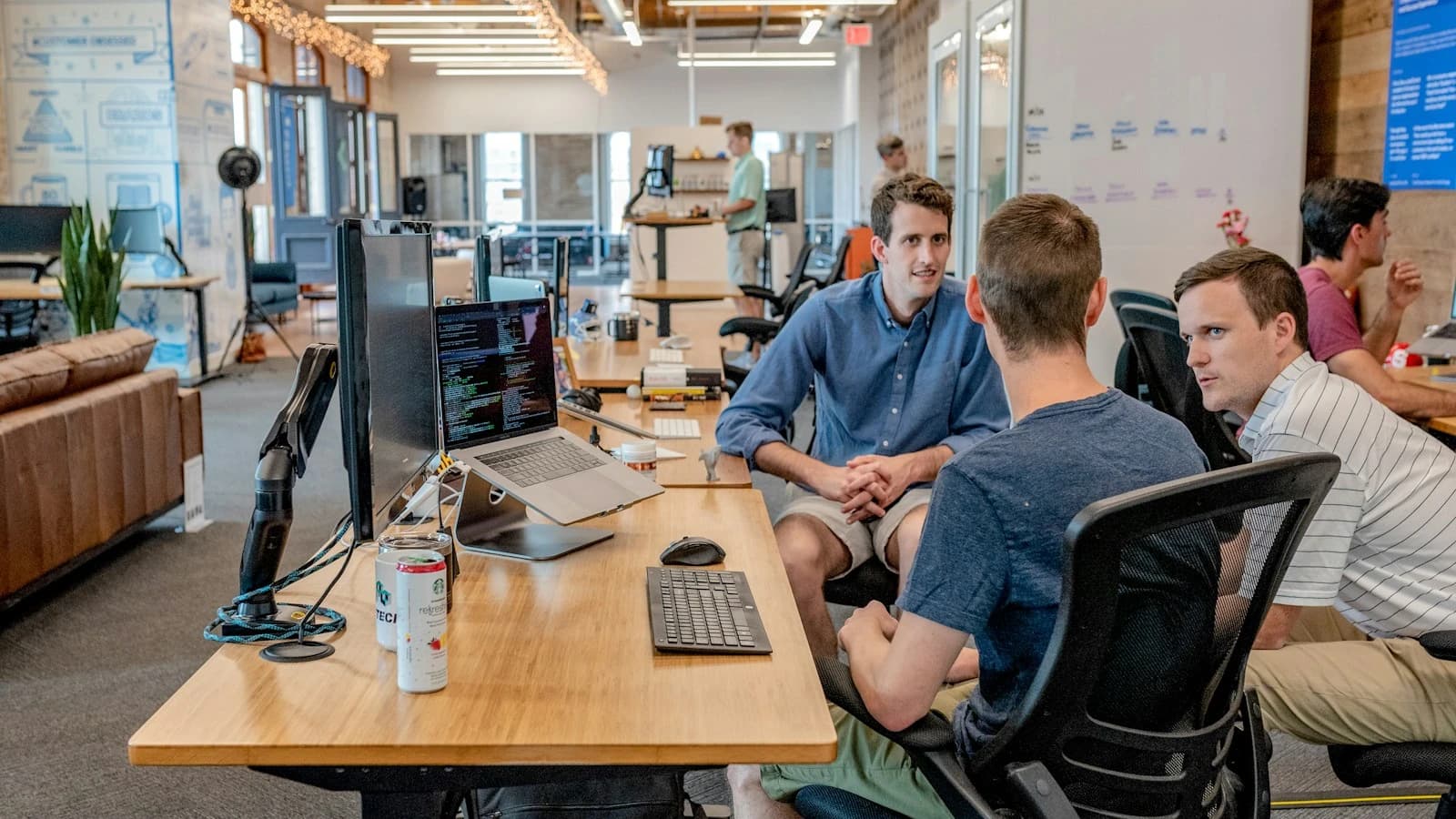
A modern collaborative workspace illustrating the evolution of business tools and working practices.
Define why the current system needs to change
Old software is not automatically unsuitable. Identify the actual constraint: expensive changes, unsupported components, difficult integrations or a workflow that no longer serves users. Record concrete examples and their impact. A fashionable framework is not itself a business objective. Some problems can be solved through data cleanup, a better interface or a small API boundary. Others require deeper replacement. Understanding the need helps the team choose a proportionate transition and explains how success will be measured beyond the fact that the new code uses newer technology.
Discover the behavior hidden in everyday work
Legacy systems often contain rules that are poorly documented but essential to staff. Observe real workflows, reports and exceptions. Ask users what they do outside the application to compensate for its limitations. Distinguish intentional behavior from accidental habits and defects. Document key calculations, permissions and external dependencies before replacing them. A rewrite can look cleaner while omitting a rule that prevents a costly mistake. Use representative examples and acceptance criteria so knowledge becomes testable rather than remaining only in one experienced employee's memory.
Inventory integrations and data ownership
Identify who reads and writes each important record and which system is authoritative. Include scheduled exports, spreadsheets and manual imports as well as documented APIs. Hidden consumers can break when a table or identifier changes. Decide how the old and new components will coexist without both becoming uncontrolled sources of truth. Map identifiers and required history. A modernization plan should explain how data stays coherent throughout the transition, not only how a final database would ideally look after every old component has disappeared.
Compare improvement, replacement and surrounding services
One option is to improve the current application. Another is to replace a bounded capability while the remainder continues operating. A new surrounding service can sometimes expose a stable interface or automate a specific workflow without rewriting the core. Compare benefits, transition risks and ongoing operating costs. Avoid assuming that keeping everything or rewriting everything are the only choices. A useful decision describes what becomes simpler for users and maintainers, which dependencies remain and what would justify the next stage. Incremental progress needs a direction, not an endless collection of disconnected patches.
Choose a first slice with a complete outcome
Select a capability with understandable boundaries and a result users can verify. A customer document view, request intake flow or reporting feature may be a suitable candidate depending on the system. Avoid choosing only a technical layer that provides no usable benefit until a much larger rewrite is finished. Define how traffic reaches the new capability and what remains handled by the old system. Keep rollback or fallback behavior clear. The first slice should teach the team how to deploy, observe and reconcile the transition, creating evidence for future decisions.
Example: modernize a spreadsheet-assisted CRM workflow
Staff export customer records, prepare follow-up lists in spreadsheets and copy updates back manually. A first improvement adds a controlled API and a focused interface for the follow-up task. The existing system remains authoritative for customer identity while the new workflow records its own activities with stable references. Users compare results on a representative group before wider use. Duplicate detection and permissions are tested. This delivers a measurable reduction in copying without requiring every sales and billing function to be replaced at once. Future changes follow evidence rather than a promise of instant transformation.
Define a reliable compatibility boundary
An adapter or API can isolate the new application from legacy details. Specify formats, errors, timeouts and authorization. Do not merely expose every old table directly to new consumers. The boundary should preserve a meaningful contract while allowing implementation changes behind it. Test representative operations against real behavior and controlled failure cases. Document limits such as delayed updates or unsupported actions. A clear boundary reduces coupling, but an overly broad integration can simply move the old system's complexity into another codebase without making it easier to maintain.
Migrate data with validation and reconciliation
Profile source data before transformation. Identify duplicates, missing values and meanings that differ between systems. Test mappings and retain traceability from old identifiers to new records. Decide how changes made during migration are captured. Compare counts and business-relevant samples rather than assuming every successful import row is correct. Prepare recovery before altering authoritative records. History, attachments and permissions may be as important as the current main fields. The migration is complete only when the target workflow can use the data correctly and discrepancies have an accountable resolution process.
Protect security during coexistence
A new interface should not gain unrestricted access simply because the old system lacks modern controls. Apply explicit permissions at the boundary and protect integration identities. Review exports, file access and logging. Multiple systems can create additional copies of sensitive data, so define retention and deletion responsibilities. Test cross-account access in the new workflow even if the old interface seems to limit it. Modernization is an opportunity to improve boundaries, but a transitional architecture can introduce new exposure if its convenience mechanisms are not deliberately constrained.
Measure progress and remove obsolete paths
Track the user task, change effort and operating incidents the project intended to improve. Verify adoption and investigate why staff still use the old workaround. Once a capability is replaced reliably, plan retirement of redundant jobs, interfaces or data copies. Keeping every old path forever increases support complexity and can undermine a new source-of-truth decision. Document what was removed and preserve required history. Modernization is not complete because a new service exists; it should reduce a real constraint and leave a system that the organization can understand and operate.
Workshop: prepare an incremental modernization proposal
Choose one troublesome workflow and map its users, data and dependencies. Record the current problem with observable examples. Propose a bounded replacement or improvement, define coexistence and write acceptance criteria. Include a failed integration, an inconsistent record and a rollback scenario. Ask users and operators to review the plan. Compare the proposal with a full rewrite and with improving the existing application directly. This workshop makes costs and risks discussable before a large commitment and provides a concrete first delivery rather than an open-ended promise to rebuild everything.
Frequently asked questions
Is a rewrite always faster than understanding old code? It can omit hidden rules and migration work, so compare complete transition costs.
Can AI safely modernize everything automatically? It can assist analysis and development, but generated changes still need verification against real behavior and permissions.
Must the old system remain forever? Incremental transition should include deliberate retirement criteria.
What can Tuplify Studio deliver? Focused interfaces, APIs, data migration and new business capabilities connected to existing tools. The objective is practical improvement with a controlled transition, leaving users and maintainers with clearer workflows rather than two permanently conflicting systems.
What we can build for you
Tuplify Studio modernizes business applications, connects legacy tools through APIs and builds maintainable CRM, web and AI capabilities around existing workflows.
Let’s discuss your projectGo further · official documentation
Microsoft Azure Architecture Center — Strangler Fig patternTuplify Studio · Educational guides created with AI assistance. Examples are illustrative.