Docker explained: images, containers and volumes
Three concepts for repeatable environments without confusing runtime and persistent data.
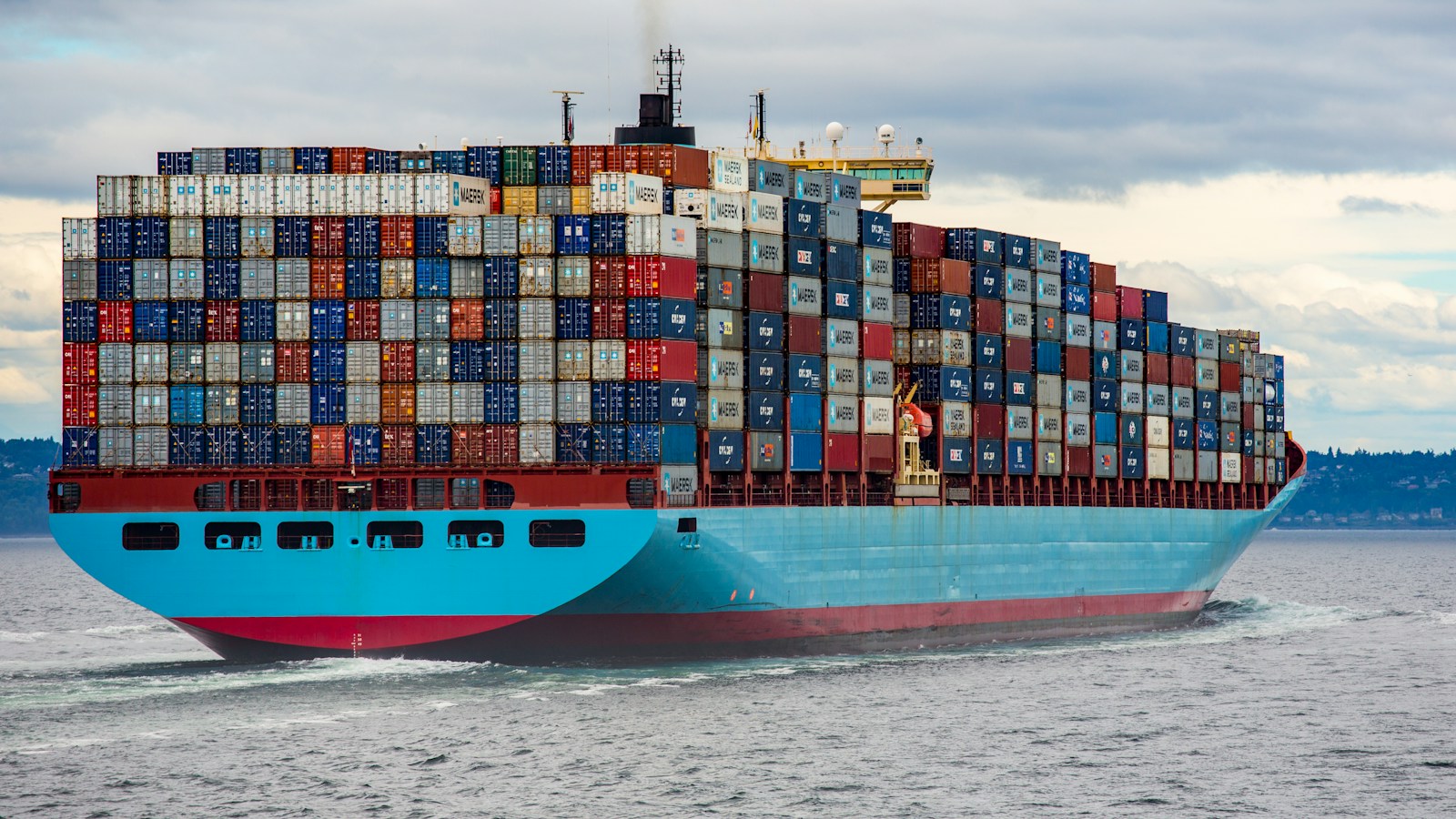
Shipping containers illustrating the packaging metaphor behind Docker.
The concrete problem that a container solves
An application depends on an environment: runtime version, libraries, files and configuration. A manual installation may work on one machine and fail on a different server. Docker helps package part of this environment into a reproducible image. It does not remove differences in hardware, kernel, or external services, but reduces many installation variations. The main benefit is to test an identified artifact and then deploy this same artifact. This requires controlled construction and not an image reconstructed arbitrarily with different dependencies on each delivery.
Understanding the layers of an image
An image is made up of layers corresponding to the changes produced during its construction. They can be reused to speed up builds. The order of the steps therefore has a practical consequence: copying the dependency files first, installing then copying the code sometimes avoids having to reinstall everything with each modification. Diapers are not a safe place for secrets. Deleting a sensitive file in a later step does not guarantee its absence from previous layers. Fix important versions and verify base images rather than unchecked using a random name.
Write a production-friendly Dockerfile
The Dockerfile describes how to prepare the image and start the main process. A multi-stage build can separate compilation tools and final environment. The delivered image does not necessarily need the full sources, the compiler or the development caches. Set a working directory, copy the necessary files, and run with an unprivileged user if possible. Use an exclude file to avoid sending secrets, local dependencies, and unnecessary files to the build context. Each choice must remain understandable so that another person can rebuild and diagnose the application.
Distinguish between image and container in execution
The image is the distributed model; the container is a running instance with its configuration and its modifiable layer. Multiple containers can use the same image without automatically sharing their data. The main process determines their lifecycle: if it ends, the container stops. Avoid treating a container like a manually modified server all the time. A lasting correction must be integrated into a new image identified, tested and deployed. Otherwise, the environment becomes difficult to reproduce and the changes may disappear on the next replacement.
Ports, networks and communication between components
An application can listen inside the container without being accessible from outside. Advertising a port creates an access point on the host; networks allow components to communicate within a defined scope. Don't reflexively publish every port, especially a database port. Also check the application's listening address: a service limited to an unexpected internal interface may appear to be started without accepting the intended connections. Document necessary flows and place public entry points behind appropriate protections, including HTTPS and access controls.
Preserve data with volumes
The editable layer of a container is linked to its existence. For a database or user files, use suitable persistent storage. A managed volume and a host directory mount do not meet exactly the same needs: the second depends more on the path and permissions of the machine. Check who writes the files and how they are preserved during an update. Never confuse persistence with backup. Accidental deletion, corruption or disk problem may affect persistent storage. Restoration must be planned and tested separately.
Provide configuration and secrets at runtime
The same artifact can be used in multiple environments if its configuration is injected at the right time. Distinguish public values, such as certain compiled interface options, from secrets needed by the server. Environment variables are convenient, but do not on their own replace a secrets policy. Avoid their display in logs and control who can inspect the process or the orchestrator. Plan for rotation of access. A password stored in a repository or embedded in an image may remain accessible long after the visible file has been fixed.
Example: deploy a web application and its base
Build an image for the application, give it a connection configuration, and connect it to the base network. Store database data in a dedicated volume and expose only the necessary entry points. During a new version, replace the application container with the tested image. Verify that the data persists and that the new application remains compatible with the schema. If a migration is necessary, make it part of a controlled procedure. This scenario illustrates why deployment is more than just starting two containers: data, compatibility, and recovery are part of the journey.
Monitor, limit and update
Collect process logs, check functional health, and impose resource-appropriate limits. A live container can host a blocked application. The controls must therefore test a useful capacity without causing unnecessary load. Maintain base images and track dependency vulnerabilities. An automatic analysis does not replace examination of the exposure context, but helps to prioritize. Keep the previous versions necessary for recovery and identify what is actually running. A generic label reused without tracking makes incidents more difficult to analyze.
Avoid common mistakes and prepare for delivery
Typical errors are secrets in the image, data only in the container, ports too exposed, and manual changes not reproduced. Test a clean boot, update and restore. Tuplify Studio can containerize your web applications and APIs with a delivery and operation procedure. The documentation should explain prerequisites, settings, backups, and post-deployment controls. Docker becomes a reliability tool when it makes the system reproducible; it does not automatically fix an insecure application or an improvised maintenance process.
Workshop: Prove that your application is reproducible
Build an image from a clean environment and then boot it with only the documented settings. Check the main path and create persistent test data. Remove and replace the application container, without deleting the intended storage, and then confirm that this data remains available. Start again on another compatible machine. Finally do a backup restore in a separate environment. These exercises check three different properties: reproducibility, persistence and recovery. If a step depends on an undocumented file present only on the developer's workstation, the environment is not yet reproducible. It is better to discover this dependency before delivery than during a server outage.
Frequently asked questions: isolation and backups
Is a container a complete virtual machine? It shares the host kernel in its execution environment. Isolation therefore does not exempt from limiting the rights and maintaining the host.
Is a volume a backup? No. It retains data beyond a container, but may suffer deletion, corruption, or storage failure.
Can we correct production by directly modifying the container? This can help with exceptional diagnosis in a controlled setting, but a lasting fix must be reproduced in code and a new image. Otherwise, the next replacement may erase the change and make the behavior impossible to rebuild.
What we can build for you
We containerize web apps and APIs, configure Docker deployments and prepare health checks and backups.
Let’s discuss your projectGo further · official documentation
Docker — ContainersTuplify Studio · Educational guides created with AI assistance. Examples are illustrative.