Angular: build a dashboard with reusable components
Understand components, shared services and validation through a customer-management dashboard.
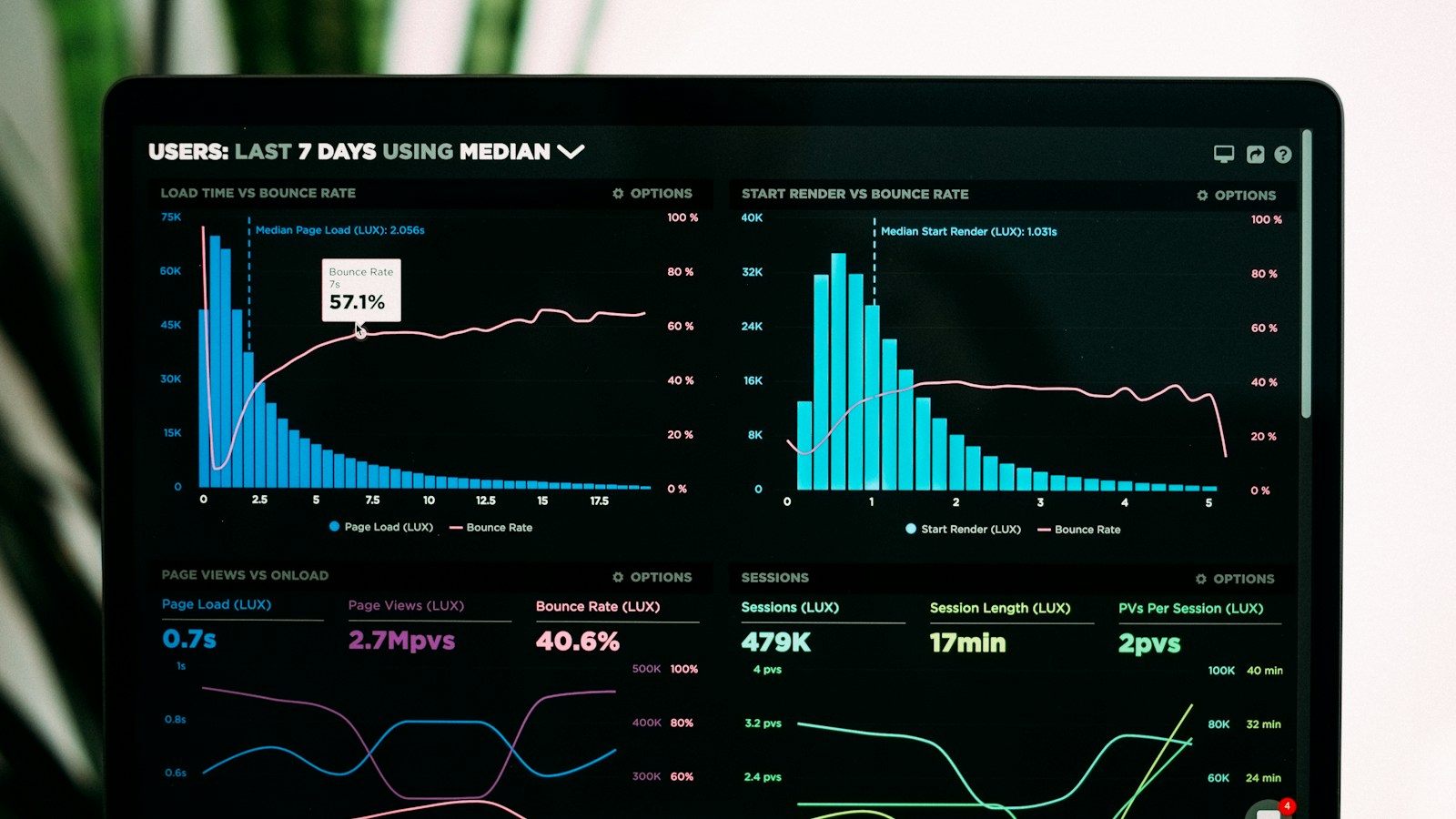
A data-dashboard screen illustrating business application interfaces.
Start from the tasks before drawing the dashboard
A business dashboard should help a person make a decision or carry out an action. Before choosing graphics, identify the users, their responsibilities and daily issues. A sales manager wants to identify opportunities to relaunch; an operator wants to process blocked requests. Showing all available data often makes the screen less useful. Build a clear hierarchy between indicators, lists and actions. Features must remain understandable when data is missing, old or partially loaded, not just on a model full of ideal values.
Break the interface into coherent components
Angular organizes the interface around components combining presentation and behavior. A customer list, filter panel, and edit form can have separate responsibilities. Reuse elements that actually share behavior, like a status badge or pagination. Avoid a universal abstraction that forces each screen to provide dozens of options. Parent-child relationships should be kept simple: the parent provides the necessary data and receives the useful events. A division is successful when a feature can evolve without causing unexpected effects on the entire dashboard.
Use services to share behaviors
Services can centralize API calls and behaviors reused by multiple components. Dependency injection allows them to be provided and replaced in tests. Distinguish data access and presentation rules: a method that loads clients should not decide the color of all the buttons at the same time. Components must explicitly handle loading, success, no results, and error. If the API fails, showing an empty list without explanation makes it appear that clients have disappeared, which can lead to poor decisions.
Choose where to place application state
The local state of a form does not have the same needs as the shared user context. Keep information close to its use and do not systematically centralize each variable. For a large filter, the URL can allow sharing, backtracking, and restoring context. Avoid keeping multiple concurrent copies of the same data without a sync rule. The available reactive mechanisms must serve an understandable flow of changes. A state architecture must explain who can modify a value, when data becomes stale, and how it is reloaded after an operation.
Build forms that support the user
A business form must explain the fields and allow errors to be corrected without losing the entry. Responsive forms can express validations and consistent groups. Show errors when needed, without attacking the user before they start. Some rules depend on other fields, such as an end date later than the start date. The server must redo the checks: the browser does not constitute a trust boundary. Distinguish an entry error from a business conflict, for example a file modified by another person during editing.
Example: a truly usable customer list
The list offers search, status filters and pagination. The API receives bounded parameters and applies permissions. If the search changes quickly, results from an older query should not overwrite those from the newer one. After modifying a client, the table is updated without losing the current filter. Deletion requires appropriate confirmation and explains the consequences. On mobile, actions remain accessible and priority information remains readable. This journey should be tested with zero customers, a few customers, and high volume.
Protect data beyond hidden buttons
The interface can hide unavailable actions to simplify the experience, but the backend must control each request. A user can call a URL directly or modify parameters. Navigation guards therefore do not replace server authorizations. In a multi-organization portal, also verify that the cache and displayed data are cleaned when the context changes. Protect sessions and properly handle expiration. A person should not continue to see information from a previous account because the application retained a copy in memory after logging out.
Take performance and accessibility seriously
Long lists may require pagination, server filtering or virtualized display as needed. Measure renderings and queries before optimizing haphazardly. Limit costly calculations running repeatedly across screens. For accessibility, associate labels with fields, use buttons for actions and keep a logical keyboard order. Don't convey status just by color. Error messages must be understandable and perceptible. A dashboard used for several hours a day must remain comfortable for people with different abilities and equipment.
Test paths and inspect components
Tests should check for visible behaviors and important rules: filter kept, error presented, form protected, and data updated. The internal details of an implementation should not be the sole basis for testing. Angular DevTools can help inspect the component tree and understand updates. Complete with integrated testing with the API for critical contracts. Involve business users: they can spot an essential missing column or a dangerous action that is too easy to trigger, even if technical checks pass.
Connect the frontend to a maintainable product
Define stable API contracts, a common business vocabulary and a delivery method. An Angular interface can connect to a NestJS backend, Spring Boot, or other services depending on the context. Tuplify Studio can develop internal dashboards, CRMs and portals by aligning interface, permissions and data. Start with a complete journey rather than a collection of components without validated use. Document choices that will help future developers: organization of features, form conventions, and how to handle errors and contract changes.
Workshop: Testing a Screen with Difficult Data
Prepare four states: slow loading, empty list, error response and large result. Then evolve the filter while a previous query is still in progress. Verify that the data displayed corresponds to the last choice and that the user can understand the situation. In the form, simulate a session expiration and a concurrent modification of the record. Useful input should not disappear without explanation. Finally, test using the keyboard and on a small screen. This workshop exposes defects often absent from models: contradictory states, actions activated too early and errors presented as empty results. The robustness of a dashboard is judged especially when conditions are not ideal.
Frequently asked questions: choice of framework and shared state
Is Angular required for a dashboard? No. The choice depends on the team and the product; a coherent organization remains necessary whatever the framework.
Is there a need for a global state store from the start? Local condition or limited service may be sufficient. Centralize when sharing and transitions warrant it, with a clear update rule.
Do road wardens secure data? They improve the navigation path, but the permissions must be applied by the API. A person can send a request without using the interface. Tests must therefore check server-side refusals, and not just the absence of a button or the apparent inability to open a page.
What we can build for you
We build Angular dashboards, internal portals and CRM interfaces connected to NestJS or Spring Boot APIs.
Let’s discuss your projectGo further · official documentation
Angular — Dependency injectionTuplify Studio · Educational guides created with AI assistance. Examples are illustrative.